

Just like the second entry into the OWASP Top 10 vulnerabilities for broken authentication, the walkthrough for this one is also going to be short and sweet.
Recall from the overview article, broken authentication is really just that: the mechanisms used to authenticate a user and allow them into the site are broken. This allows an attacker to exploit the broken mechanism, log in, and view data they do not have the rights to access.
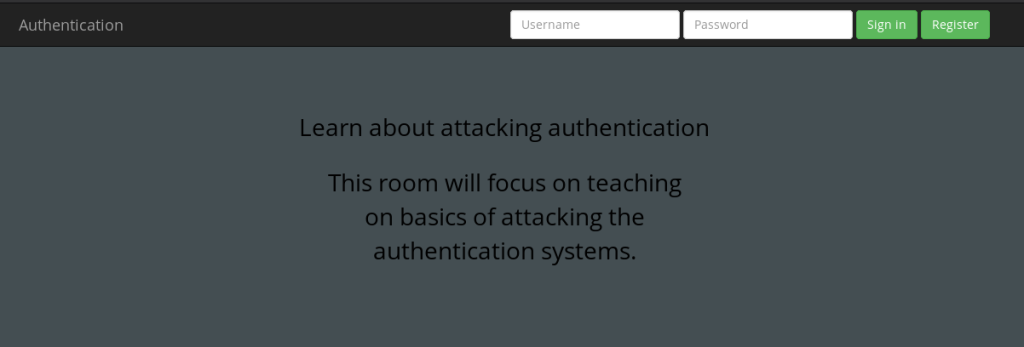
The second part of the Tryhackme OWASP Top 10 challenge provides you with a web page that you can navigate to by starting the machine and going to http://<Machine IP Address>:8888. This will bring up the following web page:
You’re then going to click “Register,” keeping in mind that because you are learning how broken authentication works the registration will exploit such an issue.
The directions require you to try to register first under the name “darren.” However, Darren is already a registered user.
So how about ” darren”? Enter that in to the username, enter ” darren@whateveremail.com” and enter a weak password — 1234 or test will do:
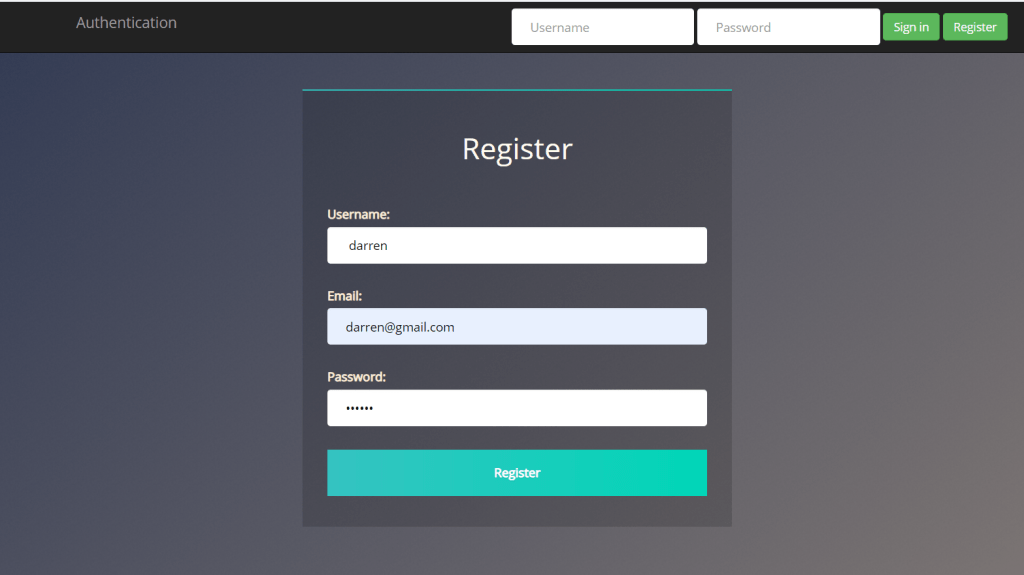
When you click Register, you should get a successful registration screen. Log in with the fake credentials you entered et voila, take your flag.
Now we’re going to do the same thing with arthur. Follow the same directions and claim your flag.
And that’s broken authentication! Remember that broken authentication doesn’t have to just refer to a log-in mechanism that isn’t working properly: as you will see in a few CTFs, you may be able to exploit this by messing with an app’s session cookies. We will explore that in the future.
 HakstheHax